Billdr PRO: New Quote Groups, Margin Option, and Custom Messages

Quote Groups
We’re introducing a third level in the quote structure, allowing you to group categories by phase or by area/room. For example:
Kitchen (Group – Level 1)
→ Countertops & Cabinets (Category – Level 2)
→→ Install granite countertop (Task – Level 3)
The video below shows you how you can easily drag and drop categories into a group. Tasks can also be moved from one category to another. Additionally, it's now easier to delete multiple categories or tasks at once using multi-select.
Margin and Markup
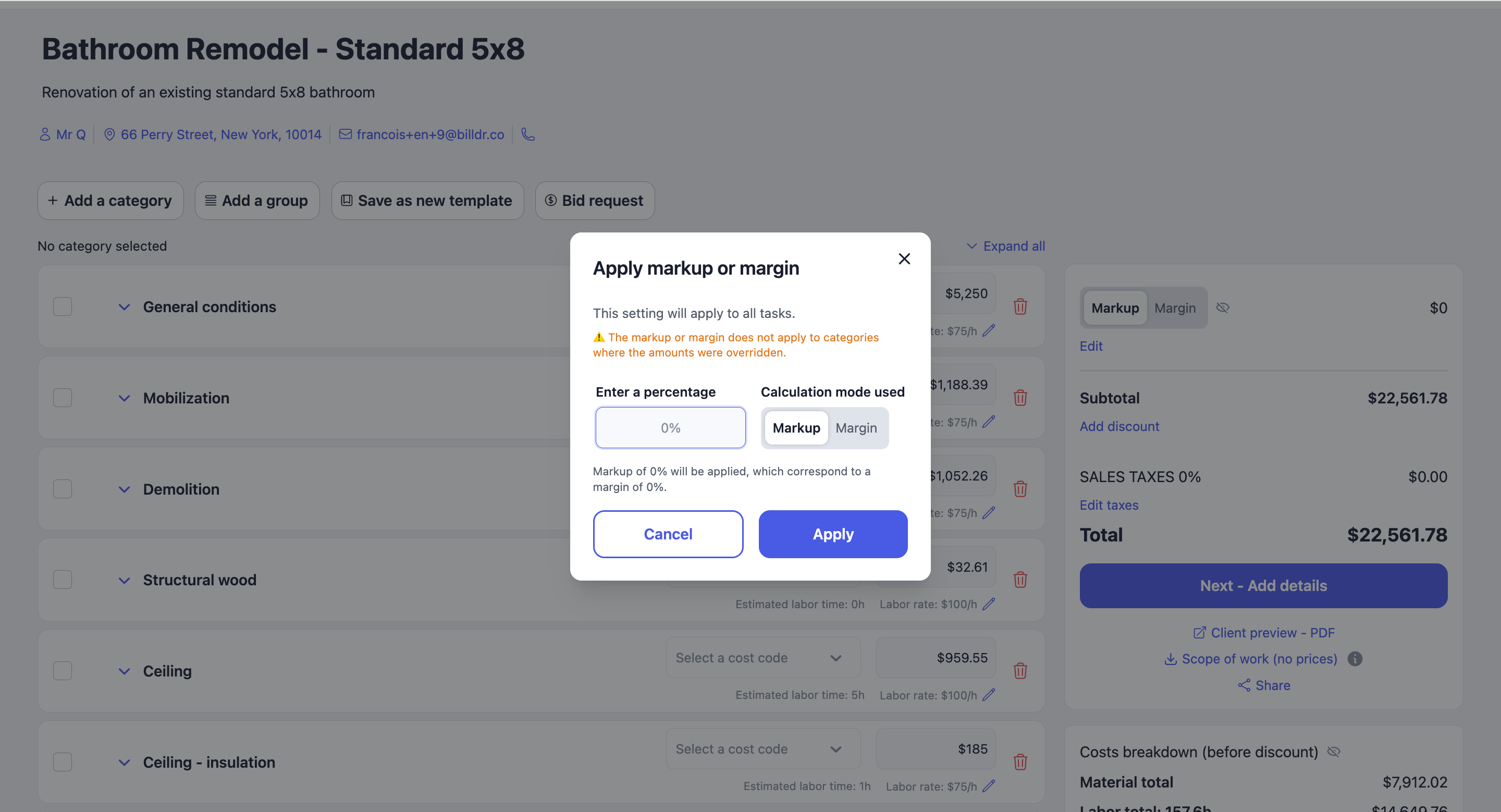
Until now, quotes and invoices only supported markup as the default option. We’ve now added margin as an alternative. You can switch between markup and margin based on your preference.
This won’t affect the final price—it simply changes the way the profit percentage is calculated.
Markup is helpful when you know your cost and want to set a selling price.
Margin is helpful when you want to ensure a specific profit percentage based on the selling price.
Choosing the wrong method can lead to lower profits or overpriced quotes, so pick the one that best fits your pricing strategy.
Custom Messages for Invoices and Change Orders
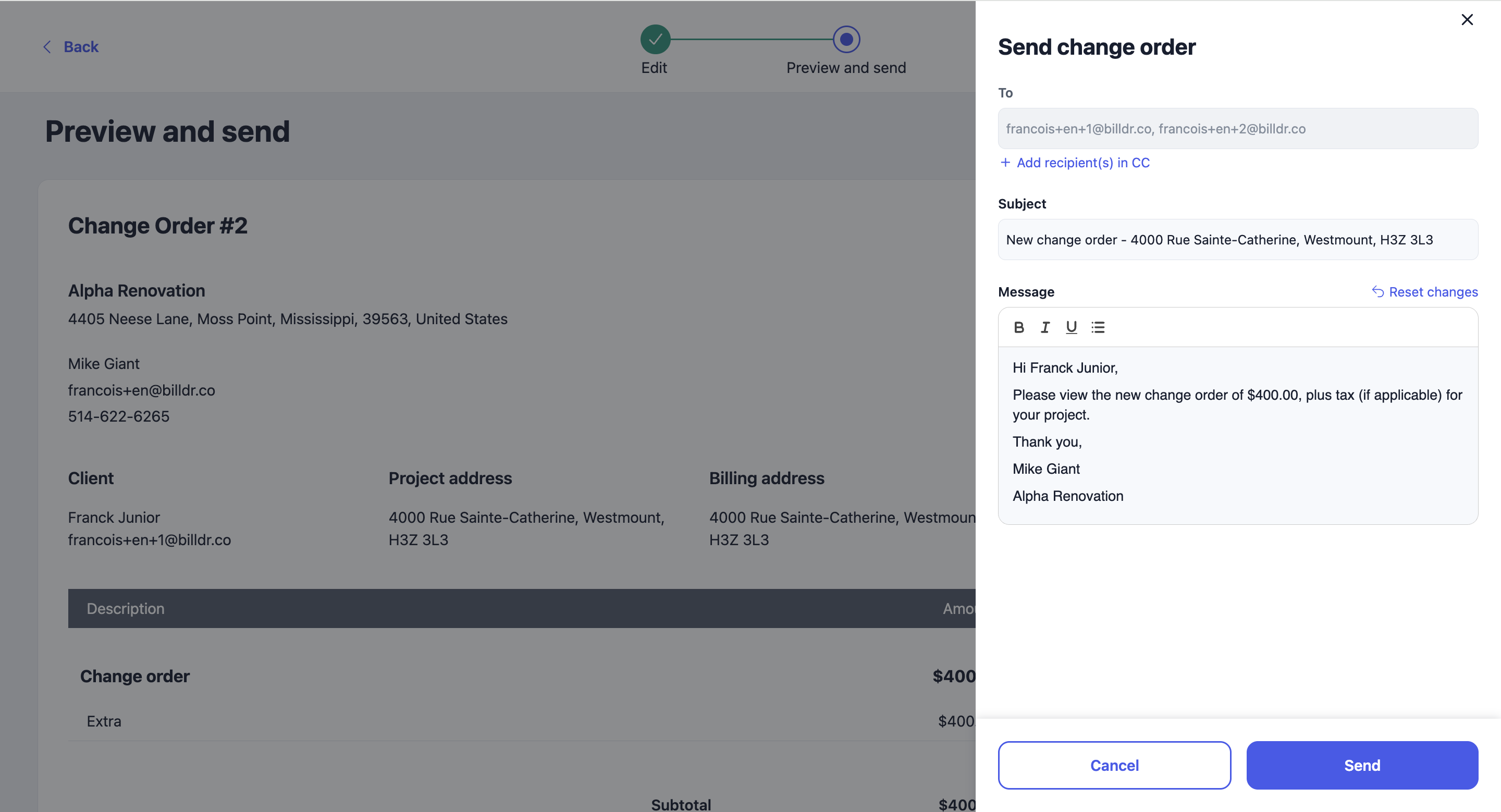
Previously, you could only customize the message sent with a quote. Now, you have the same flexibility for invoices and change orders.
This update makes it easier to CC recipients and tailor the content of your messages for each document type.