fixed/unfixed date task and unconfirmed date ranges for task in schedule
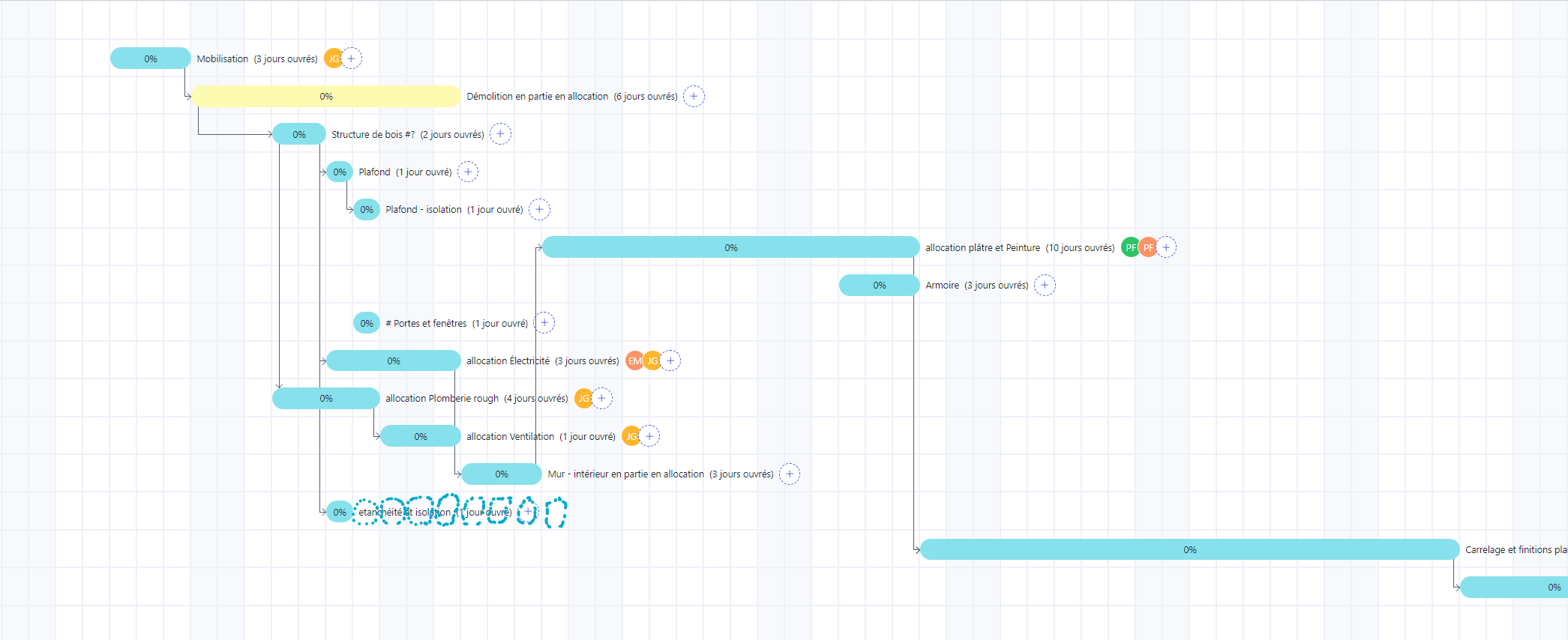
being able to mark task as fixed/unfixed and ranged . I have a subcontractor that have not confirmed a date but we know that he need 1 day and it need to be between date A and date B and we know it’s predecessor and successor. it could apprear in gray or in dot like in the picture here. this could also be use to differentiate work that could change with little consequence(unfixed). versus work that have an immovable deadline(fixed). by example cabinet installation that will cause a 2 to 4 week delay if needed to be rechedule versus mdf molding installations or backsplash that is done by our company employe that can be reschedule without any consequence as long as this is between date A and B(unconfirmed with date range). when marked as work complete the unconfirmed or movable task will be moved accordigly to predecessor and succesor task and delay but fixed date task will remain at the same spot.
the inability to have a fixed dated caused me some problem with the previous estimating program I had. I hope I manage to explain myself correctly. English is obviously not my first language.
Log in to comment and vote
No comments yet
Be the first to share your thoughts.